Bot Management
Bot Management
ClawMachine manages bot Helm releases in the runtime namespace (default claw-machine).
Supported Bot Types
- OpenClaw
- PicoClaw
- IronClaw
- BusyBox (dev mode)
See Bot Types for defaults.
Install Flow
Dashboard install is a three-step wizard:
- Infrastructure step (
POST /bots/new/infra) : release name, persistence, ingress/egress, allowed domains, workspace import, backup settings. - Config step (
POST /bots/new/config) : onboarding-generated bot-specific config questions and model/secret mappings. - Extra software step (
POST /bots/new/software) : optional.tool-versionscontent for startupmise install.
Final install request is POST /bots.
Bot Detail
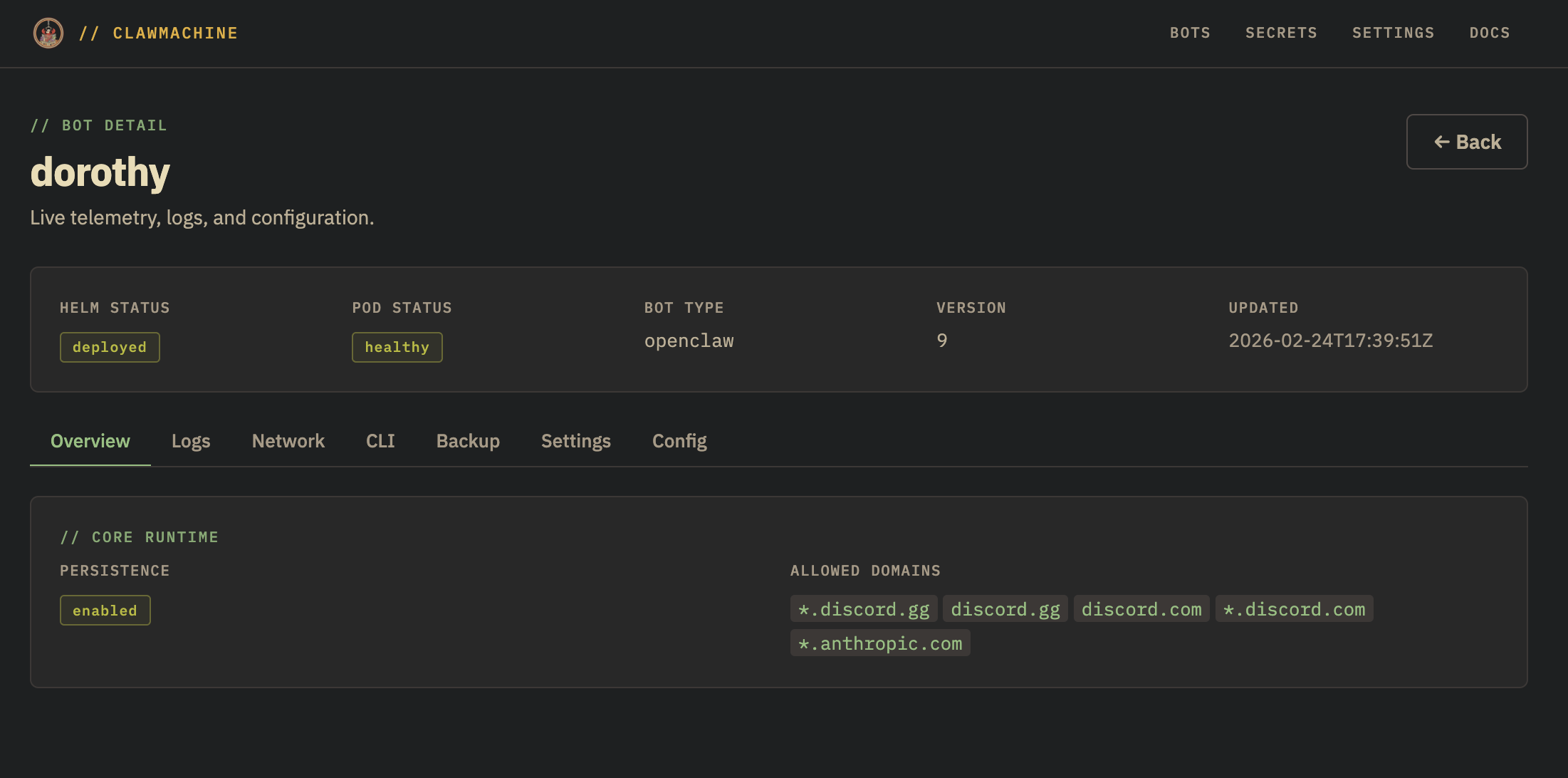
/bots/{name}/page includes:
- overview/status
- logs (
GET /bots/{name}/logs) - network flows (
GET /bots/{name}/network) - bot CLI execution (
POST /bots/{name}/cli, OpenClaw only) - core settings save path (
PUT /bots/{name}andPUT /bots/{name}/config) - restart/uninstall actions
API Operations
# list
curl http://localhost:8080/bots

# install
curl -X POST http://localhost:8080/bots -H 'Content-Type: application/json' -d '{"releaseName":"my-bot","botType":"openclaw","values":{}}'

# status
curl http://localhost:8080/bots/my-bot

# upgrade values
curl -X PUT http://localhost:8080/bots/my-bot -H 'Content-Type: application/json' -d '{"botType":"openclaw","values":{"replicas":2}}'

# uninstall
curl -X DELETE http://localhost:8080/bots/my-bot
Secret Handling in Bot Config
Install/upgrade supports:
envSecretsbindings (env var -> secret/key)- backup credential refs resolved from ExternalSecrets
- chart values with sensitive fields stripped/redacted where required